Email Activities
Every contact's engagement history, turned into a sending decision.
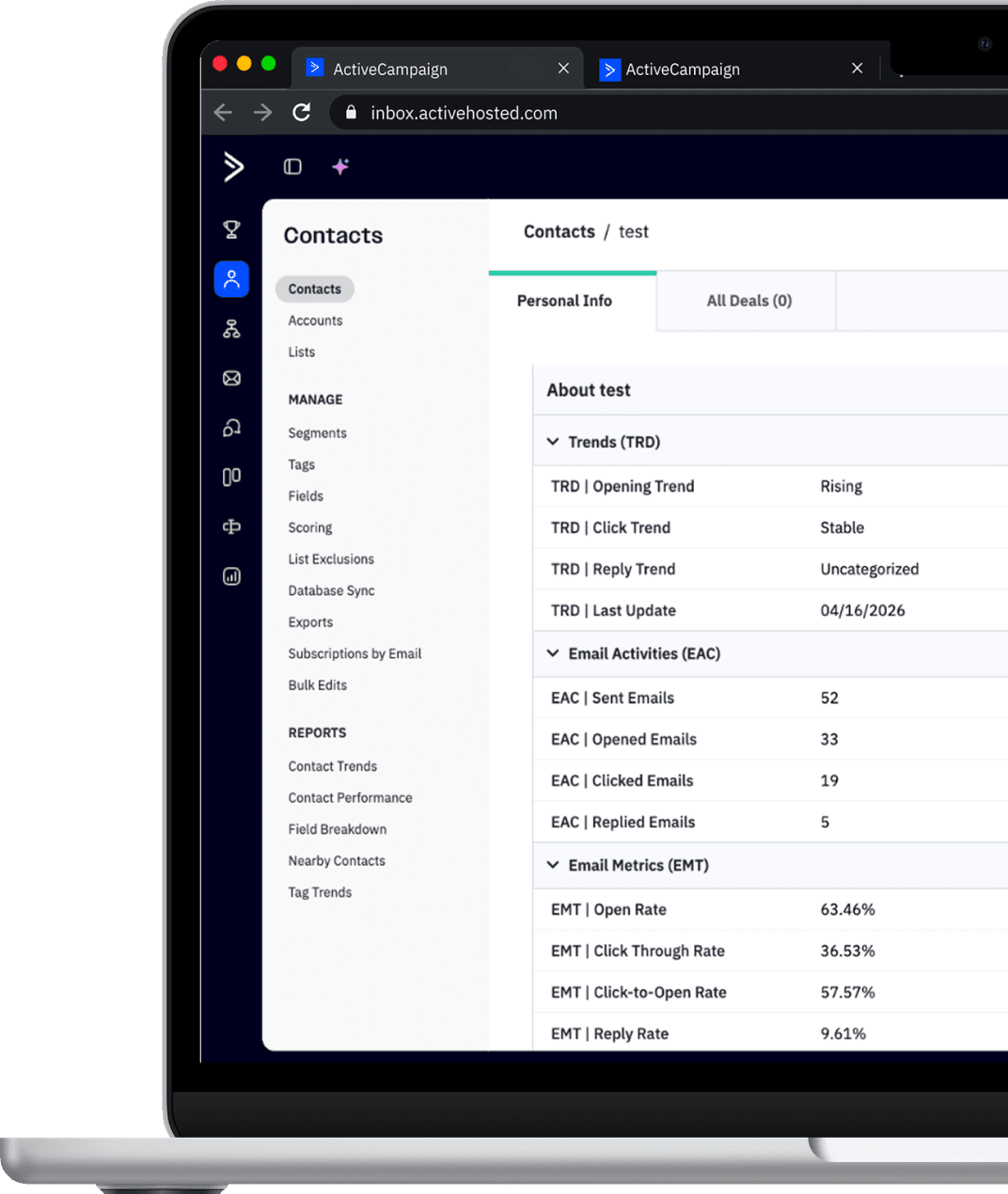
Email Activities reads each contact's email history in your ActiveCampaign account and classifies who opens, clicks, and replies, and who went cold. 3-level engagement, individual metrics, trends, deliverability, and last activity, all as fields and ready-made segments in your account. You stop sending to people who no longer open, protect your deliverability, and cut your cost. Per contact, updated continuously, without building a single automation.



Built by the largest ActiveCampaign partner in Latin America for 4 consecutive years.
Meet the fields
The engagement profile every contact should have
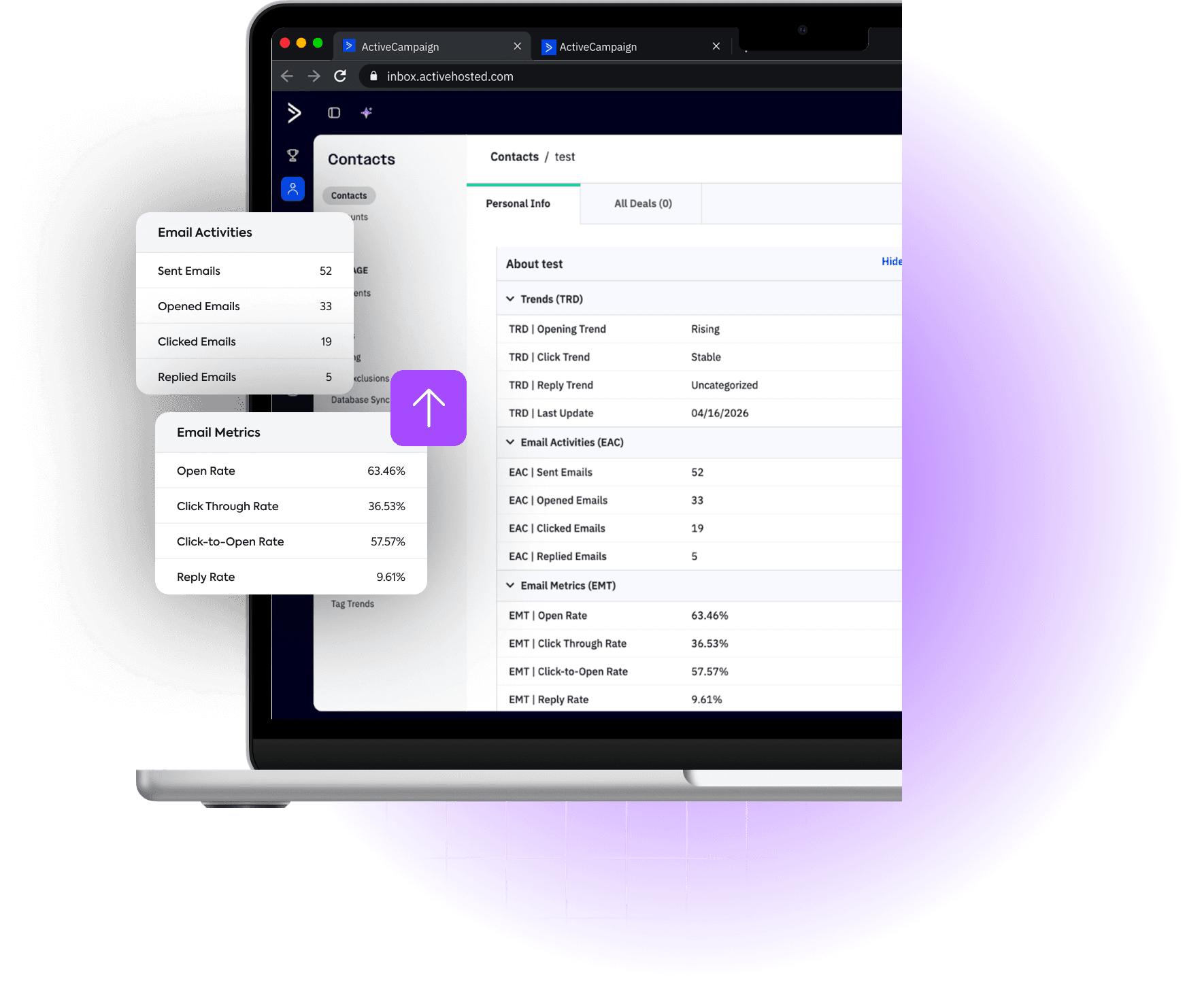
Email Activities reads the email data that already exists in your account, processes it, and returns everything as structured fields, ready to segment, filter, and make decisions. Each category answers a different question about your base's engagement.
Email Activity
How much has each contact actually engaged?
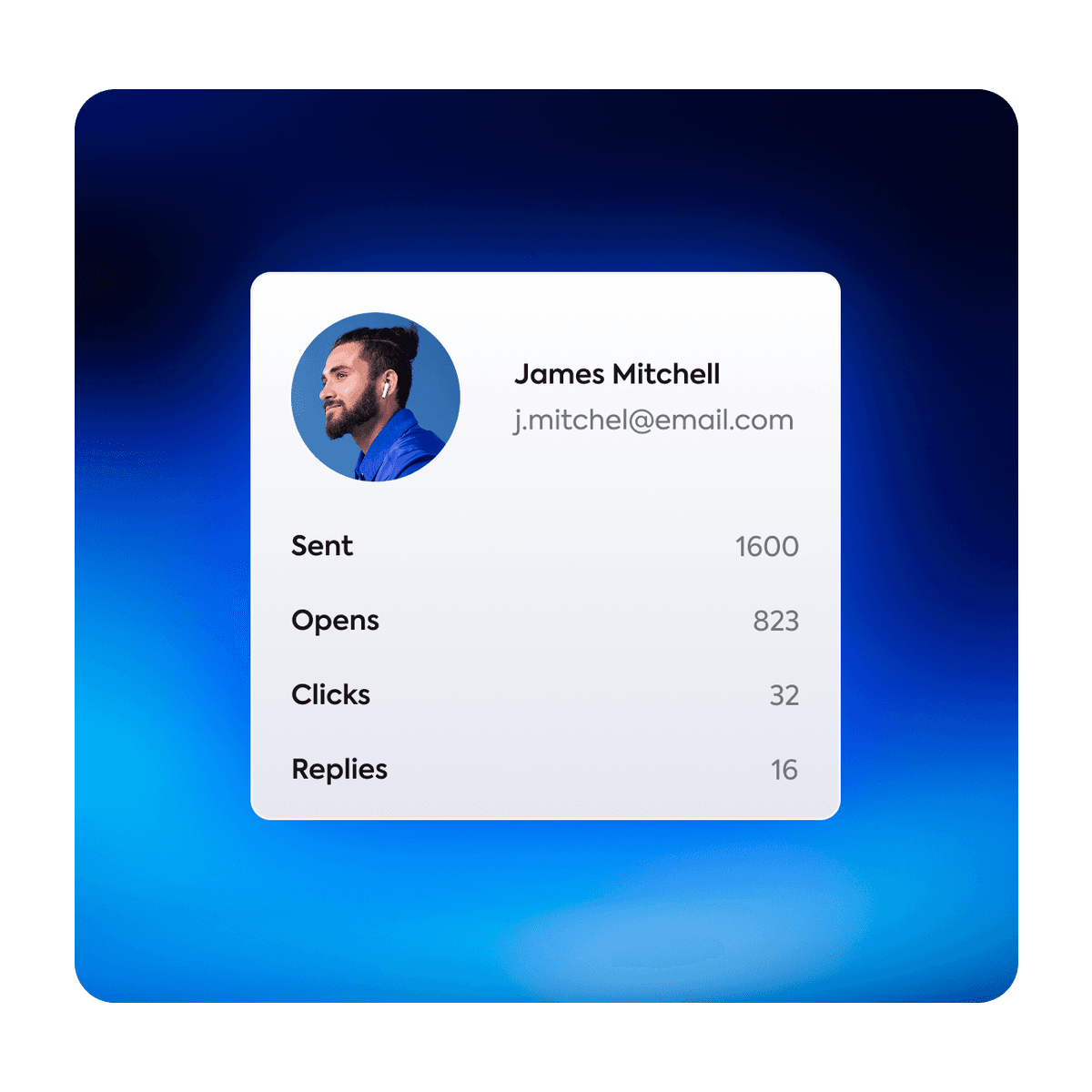
Email Intelligence groups send, open, click, and reply events per contact, not per campaign.
Why it matters
Without these consolidated numbers, you can't compare contacts. You identify in seconds who gets a lot and engages little, and who deserves more attention.
Individual Metrics
What's the real performance of each contact?
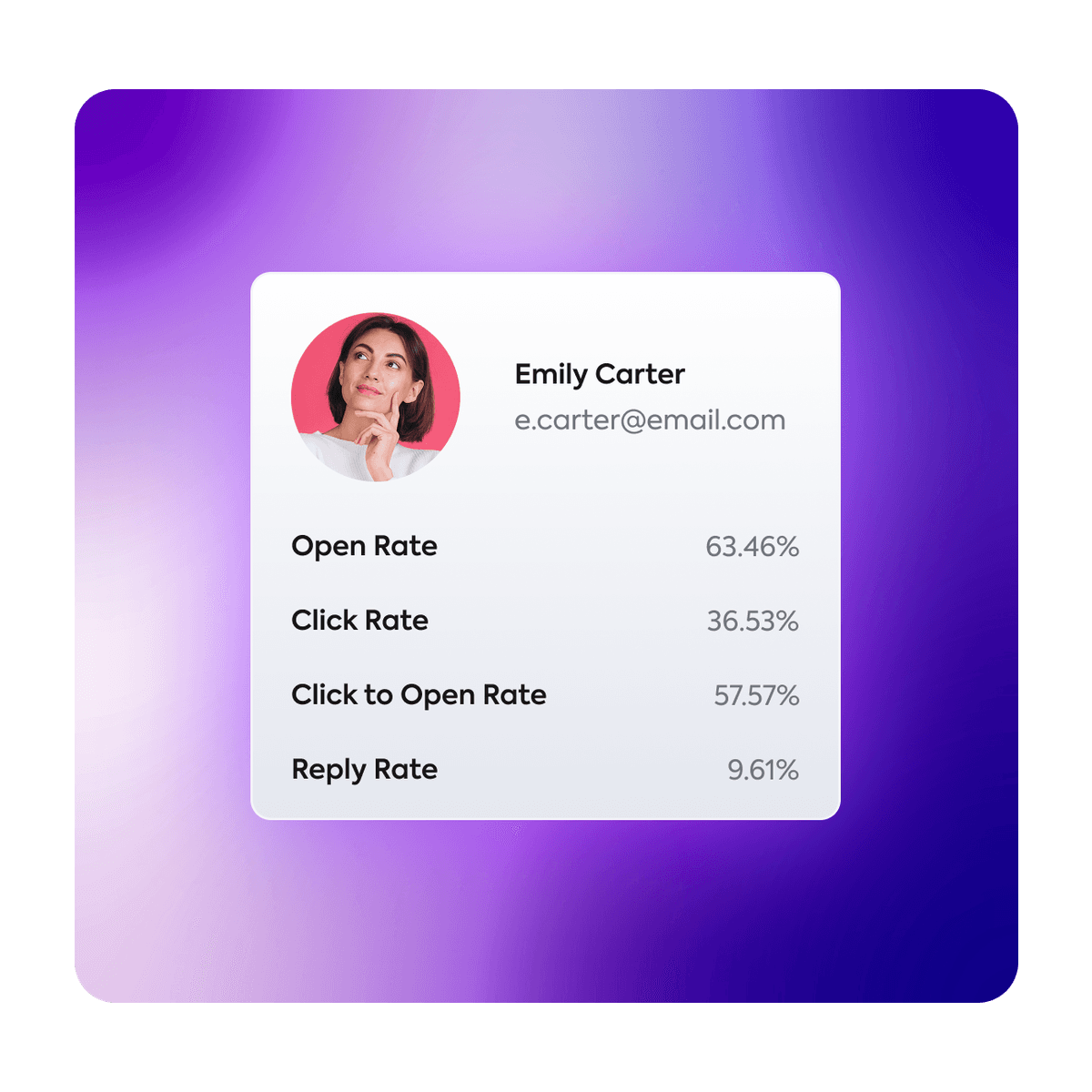
Most marketers know the campaign's open rate. Email Intelligence calculates four percentage metrics per contact, individually.
Why it matters
With individual metrics, you move from average to precision. Instead of knowing the campaign had a 22% open rate, you know exactly which contacts open 80% of the time and which never open.
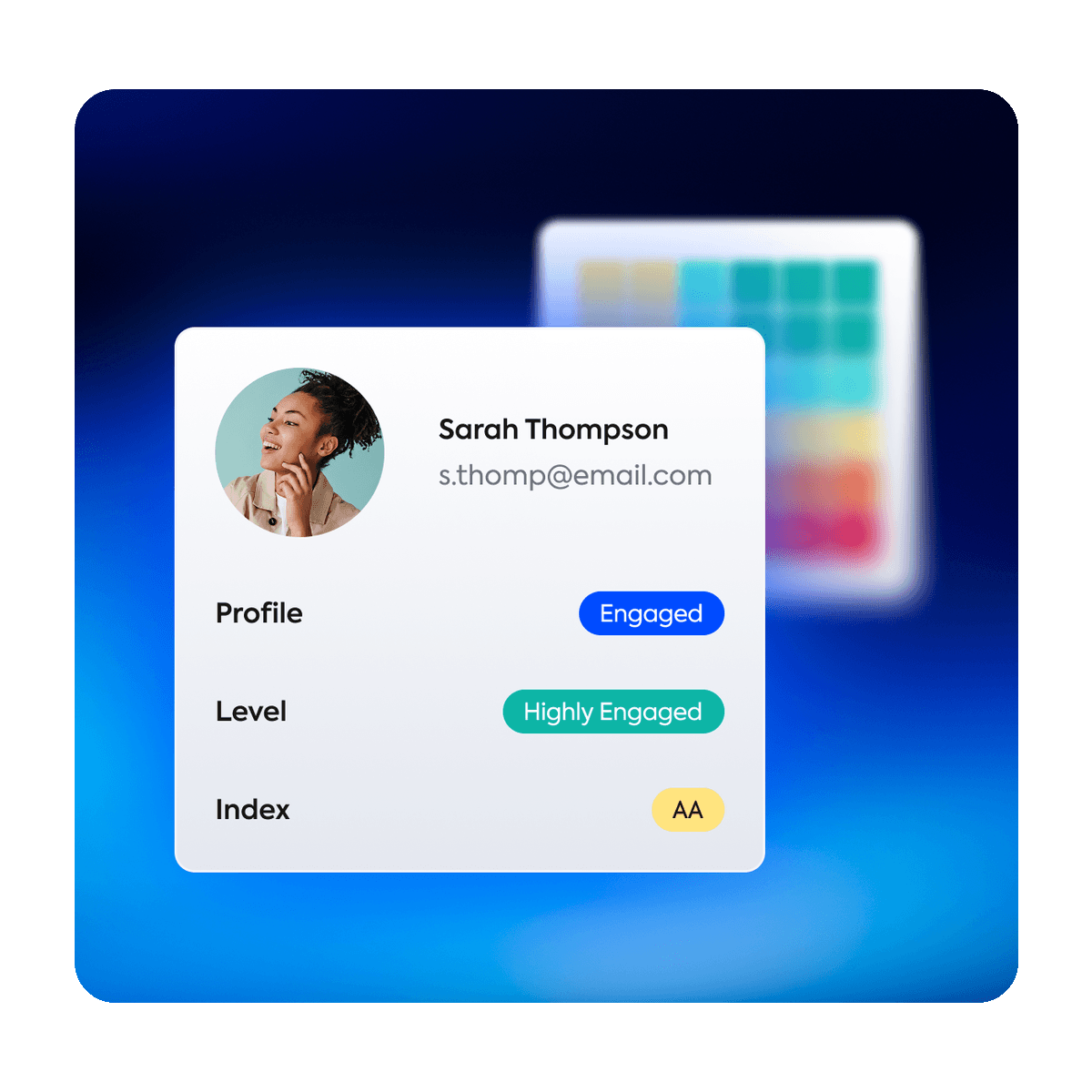
3-tier Engagement
Engaged, cooling off, or inactive? And at what intensity?
By cross-referencing each contact's opens and clicks, the system defines engagement across three distinct tiers. Get the quick view all the way to full strategic control.
Why it matters
Not every disengaged contact is equal. The light one needs a re-engagement campaign, while the heavy one should be removed. Telling these tiers apart prevents you from losing who can still come back and truly cleans your list.
Deliverability
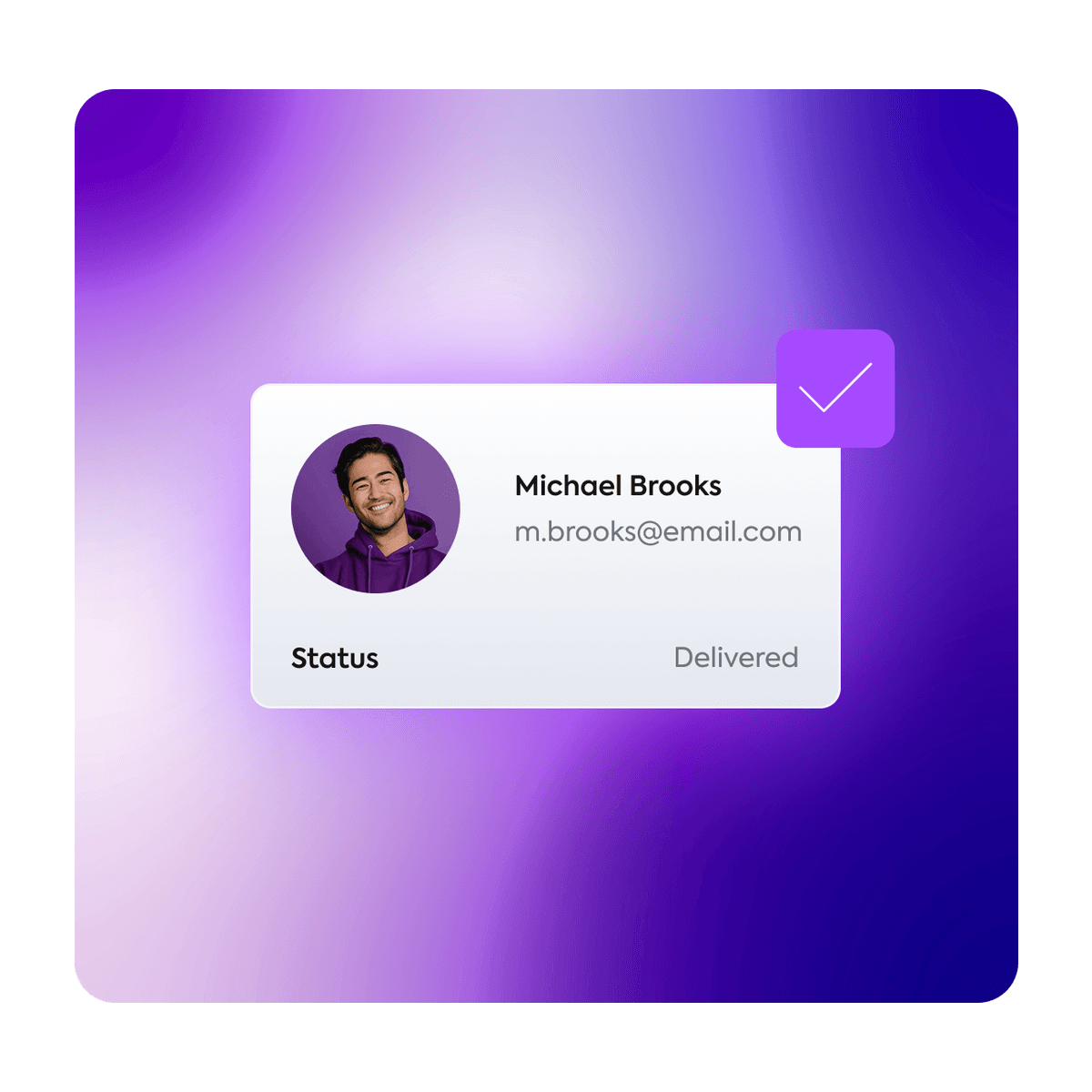
Is this contact hurting my domain reputation?
The most direct and impactful field. It flags contacts that pose a risk to the deliverability of your campaigns: addresses with a bounce history recorded by ActiveCampaign.
Why it matters
Providers like Gmail and Outlook punish your reputation when you send emails to contacts that bounce. With the deliverability field, you flag those addresses before they hurt your delivery rates.
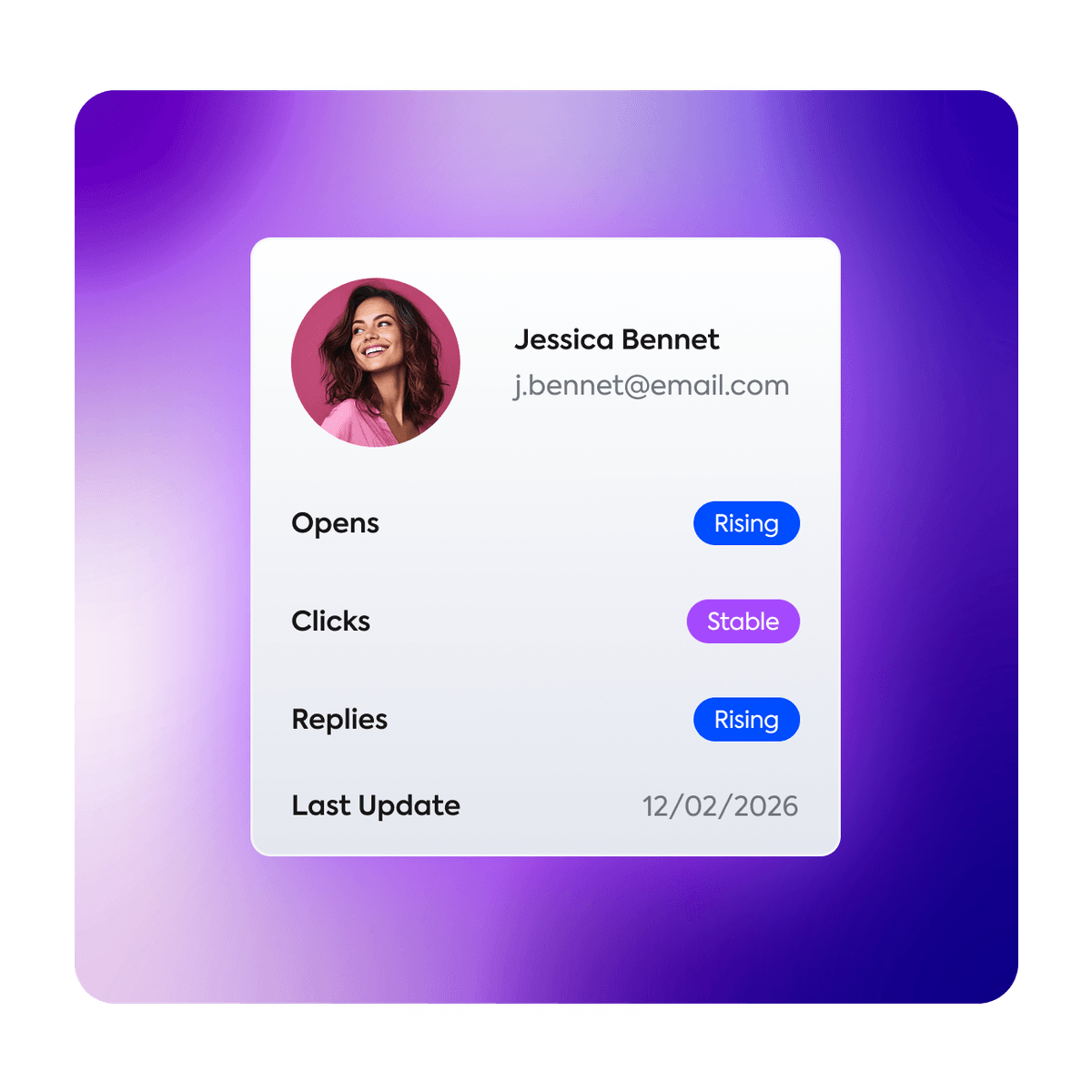
Trends
Is this contact's behavior improving or declining?
Know whether each contact's engagement is rising, stable, or falling. Email Intelligence cross-references recent and historical data, recalculating every 7 days or 10 sends to ensure total predictability.
Why it matters
A contact with a 40% open rate looks healthy. But if the open trend is declining, they may be weeks away from going inactive. You gain time to act before disengagement is irreversible.
Last Activity
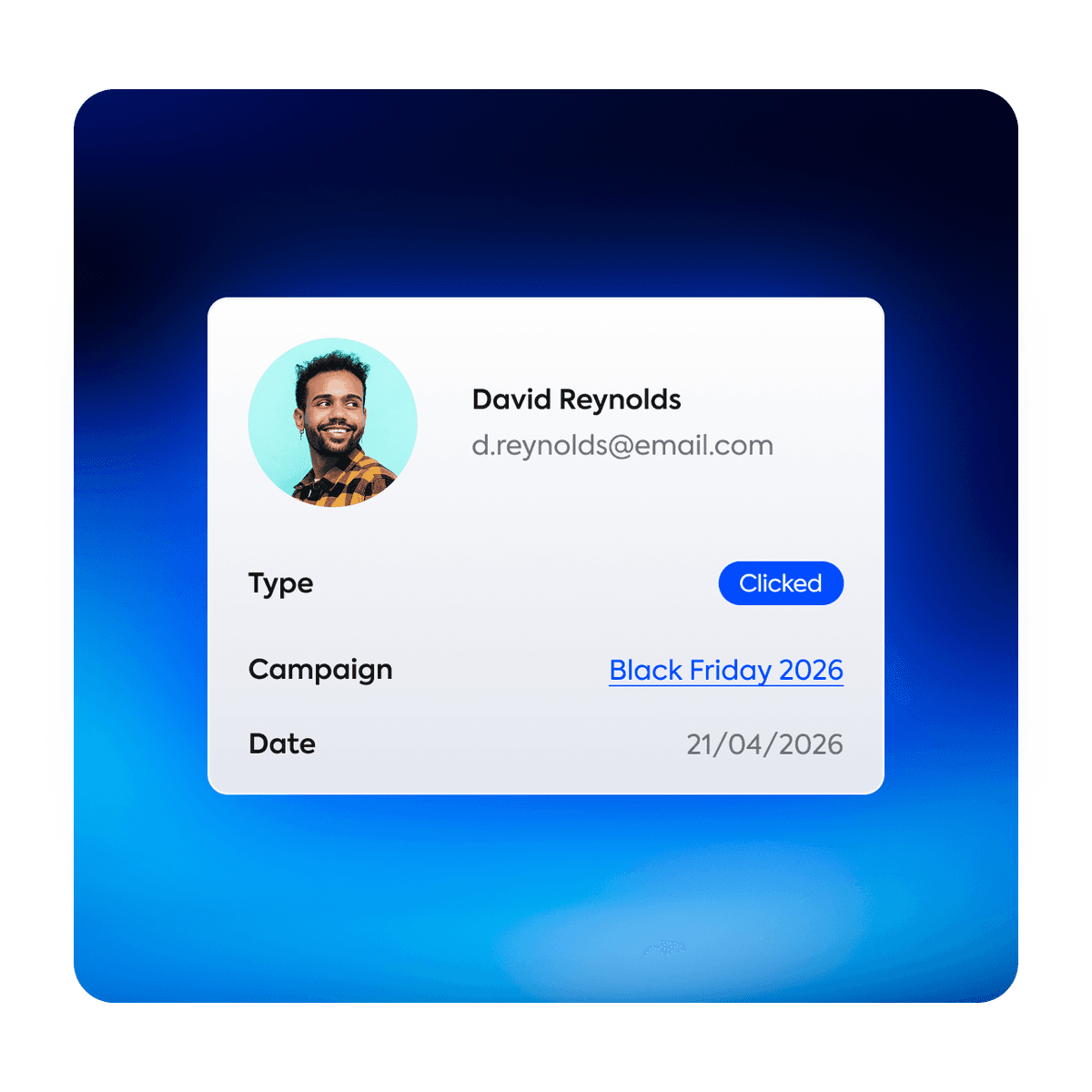
When and how did the contact interact?
Immediate context without opening the contact's history. Email Intelligence records the type, campaign, and date of each contact's last interaction.
Why it matters
The difference between a contact who opened your email yesterday and one who hasn't interacted in 90 days is enormous. These fields eliminate the effort of manually browsing each contact.
App Status
Is the install working and up to date?
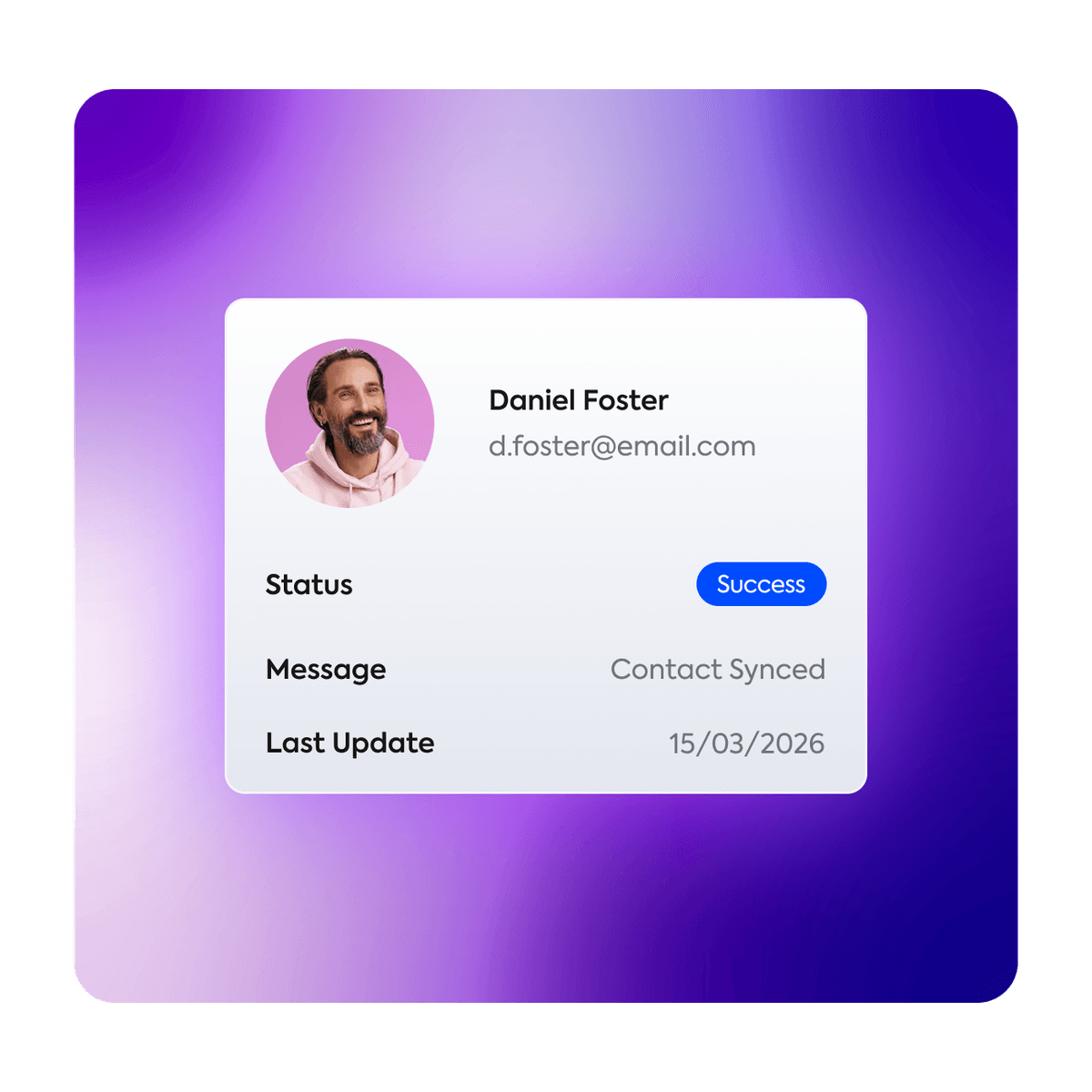
Track the last update of your data in real time, with immediate alerts for any sync error.
Why it matters
Operational transparency. You don't have to trust that it's working. You can verify at any time, right from the contact's fields.
Segments
60 ready-made segments. Infinite possibilities.
Combinations designed to solve real send, deliverability, and performance problems at a level of granularity that would be unfeasible to build manually.

Highly Engaged
Clicks in the last 30 days and +10 emails received. Your most loyal and consistent audience, ideal for launches and direct conversions.

Compromised Deliverability
Contacts hurting your reputation right now. Isolate them from your regular list for cleanup or one last reactivation attempt.

Unsubscribed by Mistake
Recover lost revenue. We identify valuable contacts removed by engagement-tagging automations with overly strict rules or incomplete data.

Declining Opens
Your window of opportunity. They still open, but interest is fading. Re-engage now before they're lost for good.

Lightly Disengaged with Clicks
The highest reactivation potential. They're cooling off, but their click history proves the interest is still there.

Inactive +90 days
Zero interaction in three months. Prime candidates for list cleanup, freeing up space and resources on your account.

New without Activity
They recently joined and haven't interacted yet. Use it to measure and tune the effectiveness of your welcome flow.

Fully automatic
Since the fields update themselves as behavior changes, contacts enter and leave segments without you having to touch a thing.

Total precision
We combine engagement level, trend, send volume, and technical validation into ready-made segments that would be impossible to build manually.
Engagement calculator
How much of your base actually engages?
Enter your base size and segment to see how many contacts engage, how many went cold, and how many you pay for with nothing back.
Average by engagement level, based on 198 ActiveCampaign accounts and 79.1 million contacts analyzed.
How it works
The architecture behind the intelligence

Official API connection
Secure connection with a scoped key. Access is limited to activity data and custom fields, with no extra permissions.


External processing
We run the validation and calculations outside your account. Your account doesn't slow down or use extra resources, since everything happens on our servers.

ActiveCampaign-native fields
Fields built into the AC standard. Use them freely in your automations, segmentation filters, send conditions, and custom reports.

Distinct update cycles
Daily updates and email verification on a priority cycle. Trends refresh every 7 days or 10 sends.

Segments as a native resource
The 60 segments integrate into your native list automatically. You get the end result without configuring anything.
Security
What Email Intelligence does NOT do in your account

Doesn't create automations

Doesn't change existing workflows

Doesn't add or remove tags

Doesn't send emails

Doesn't delete contacts

Doesn't modify send settings
Same account, smarter.
Schedule a demoReady to see what your contacts aren't telling you?
Talk to our team and understand how to apply Email Intelligence in your account and cut your costs.