Email Verification
Know an address is real before you send, not after it bounces.
Email Verification validates every address in your ActiveCampaign account before you send, without relying on a broadcast. Invalid, disposable, catch-all, typos, and full inboxes, caught before they turn into bounces. You protect your domain reputation, clean your base, and stop burning sends on addresses that don't exist. Per contact, with full SMTP verification, without building a single automation.



Built by the largest ActiveCampaign partner in Latin America for 4 consecutive years.
Step by step
How we verify every address
We run the verification end to end, before you send, without relying on a broadcast. Every address goes through a sequence of checks until we're sure it's safe to send. All inside your ActiveCampaign account.
- 1
Syntax validation
We check the address against the standards (RFC): format, valid characters, and a well-formed domain. Malformed addresses are caught right away.
joao@exemplo.commaria@localhostjoy@exemplo. - 2
Domain and MX record
We confirm the domain exists and has an active mail server. Without a valid MX record there's no way to deliver, so the address is flagged on the spot.
bill@exemplo.comjoy@exemplo.comsui@exemplo.cim - 3
Email provider
We identify the provider behind the domain (Gmail, Outlook, Zoho and others) to apply the right verification for each type of server.
ana@gmail.comluis@outlook.comcontato@zoho.com - 4
Account type
We separate individual addresses from role accounts, like contact@, sales@, and support@, which tend to have different engagement and behavior.
joao@empresa.comcontato@empresa.comvendas@empresa.com - 5
Disposable and temporary
We flag emails from disposable or temporary services, like Guerrilla Mail, that inflate your base without ever becoming real customers.
user@guerrillamail.comtemp@10minutemail.comreal@empresa.com - 6
Catch-all and accept-all
We detect catch-all domains, which accept any address and mask the invalid ones, so you know where the server's answer can't be trusted.
qualquer@catch-all.comoutro@catch-all.comreal@empresa.com - 7
Full mailbox
We flag full inboxes, which reject messages temporarily and turn into soft bounces, so you don't keep hitting an address that isn't receiving.
cheia@empresa.comok@empresa.com - 8
Disabled account
We mark disabled or suspended addresses, which once existed but no longer receive, before they turn into a hard bounce on your next send.
antigo@empresa.comativo@empresa.com - 9
Mailbox existence (SMTP)
We connect to the server and confirm the mailbox actually exists and accepts messages, with full SMTP verification, without sending a single real email.
contato@empresa.comnaoexiste@empresa.comkim@empresa.com - 10
Correction suggestion
When it's an obvious typo, like gmial.com instead of gmail.com, we suggest the fix so you recover the contact instead of just discarding it.
joao@gmial.comjoao@gmail.comana@hotnail.comana@hotmail.com
The fields
Every field the verification writes to your account
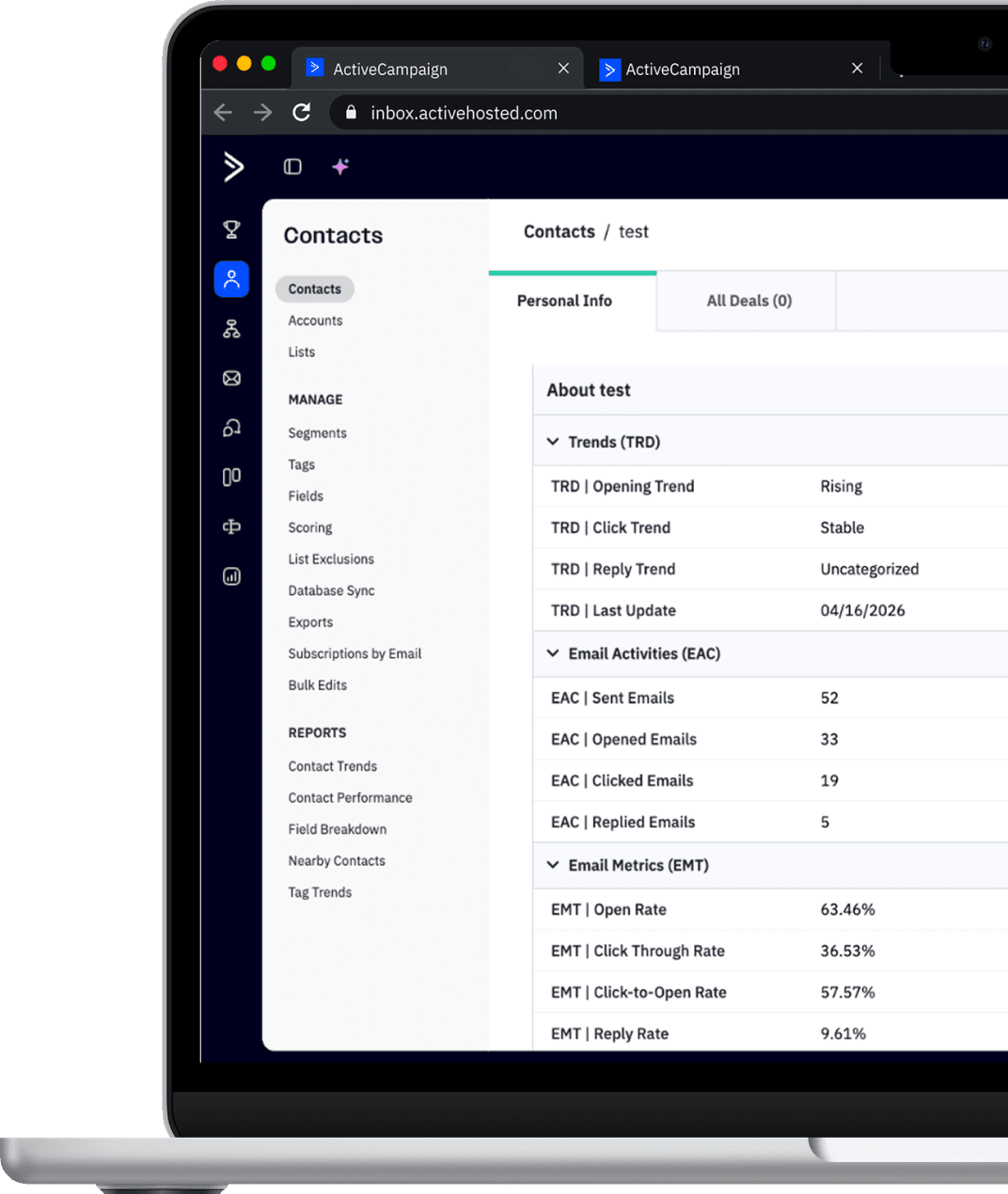
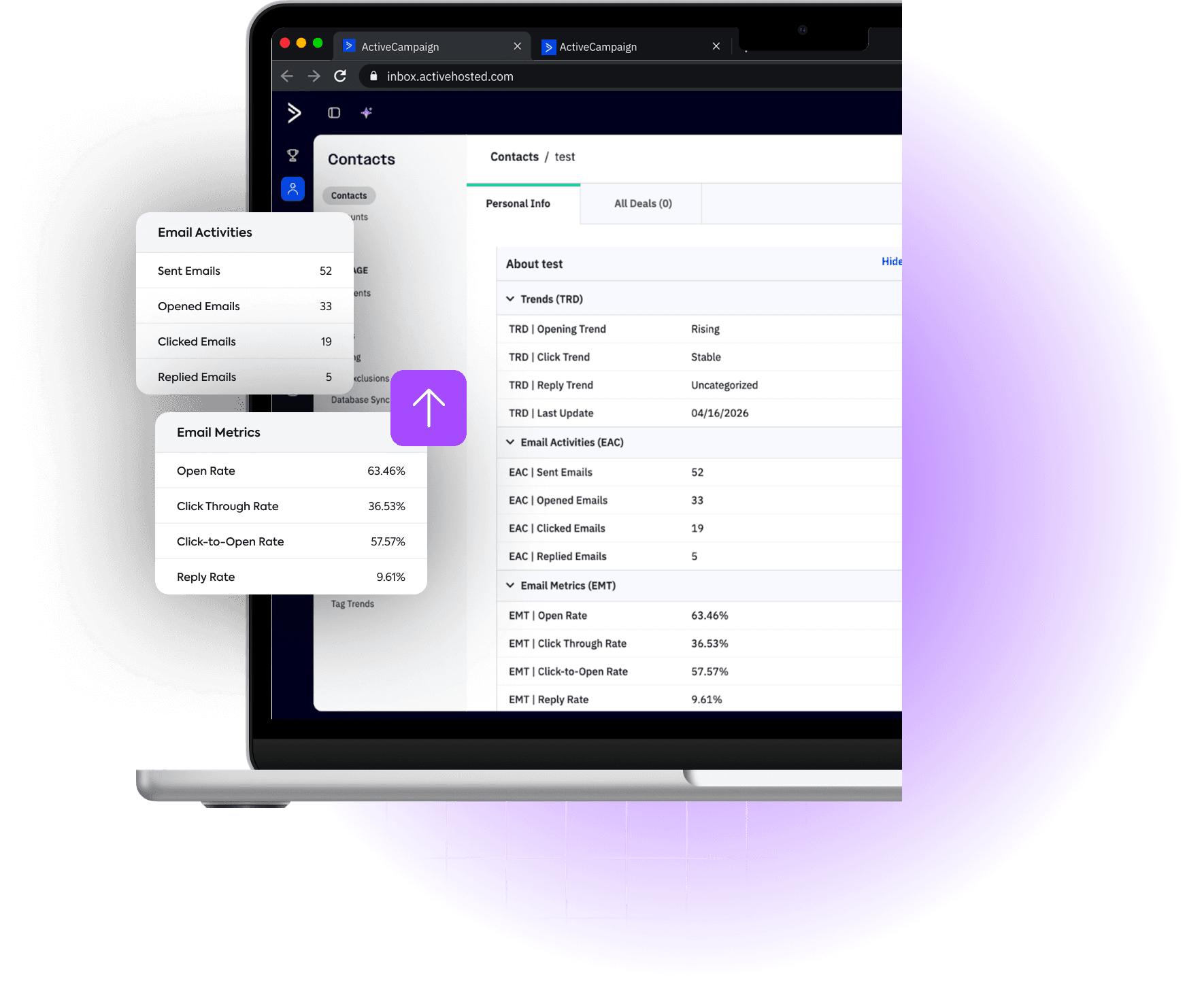
The verification returns 15 fields per contact, straight into your ActiveCampaign account. Open each one to see the possible values and what they mean.
List composition calculator
What's hiding in your list?
Enter your list size and see how it likely breaks down between safe addresses and the ones that only weigh on your reputation.
Estimate based on typical market ranges. Your real breakdown depends on your industry, data sources, and list age.
How it works
The architecture behind the intelligence

Official API connection
Secure connection with a scoped key. Access is limited to activity data and custom fields, with no extra permissions.


External processing
We run the validation and calculations outside your account. Your account doesn't slow down or use extra resources, since everything happens on our servers.

ActiveCampaign-native fields
Fields built into the AC standard. Use them freely in your automations, segmentation filters, send conditions, and custom reports.

Distinct update cycles
Every address is re-verified in priority cycles, so your base stays clean. Fully automatic, without you touching a thing.

Segments as a native resource
The 6 verification segments integrate into your native list automatically. You get the end result without configuring anything.
Security
What Email Intelligence does NOT do in your account

Doesn't create automations

Doesn't change existing workflows

Doesn't add or remove tags

Doesn't send emails

Doesn't delete contacts

Doesn't modify send settings
Same account, smarter.
Schedule a demoReady to see what your contacts aren't telling you?
Talk to our team and understand how to apply Email Intelligence in your account and cut your costs.