Guide
The engagement matrix, explained
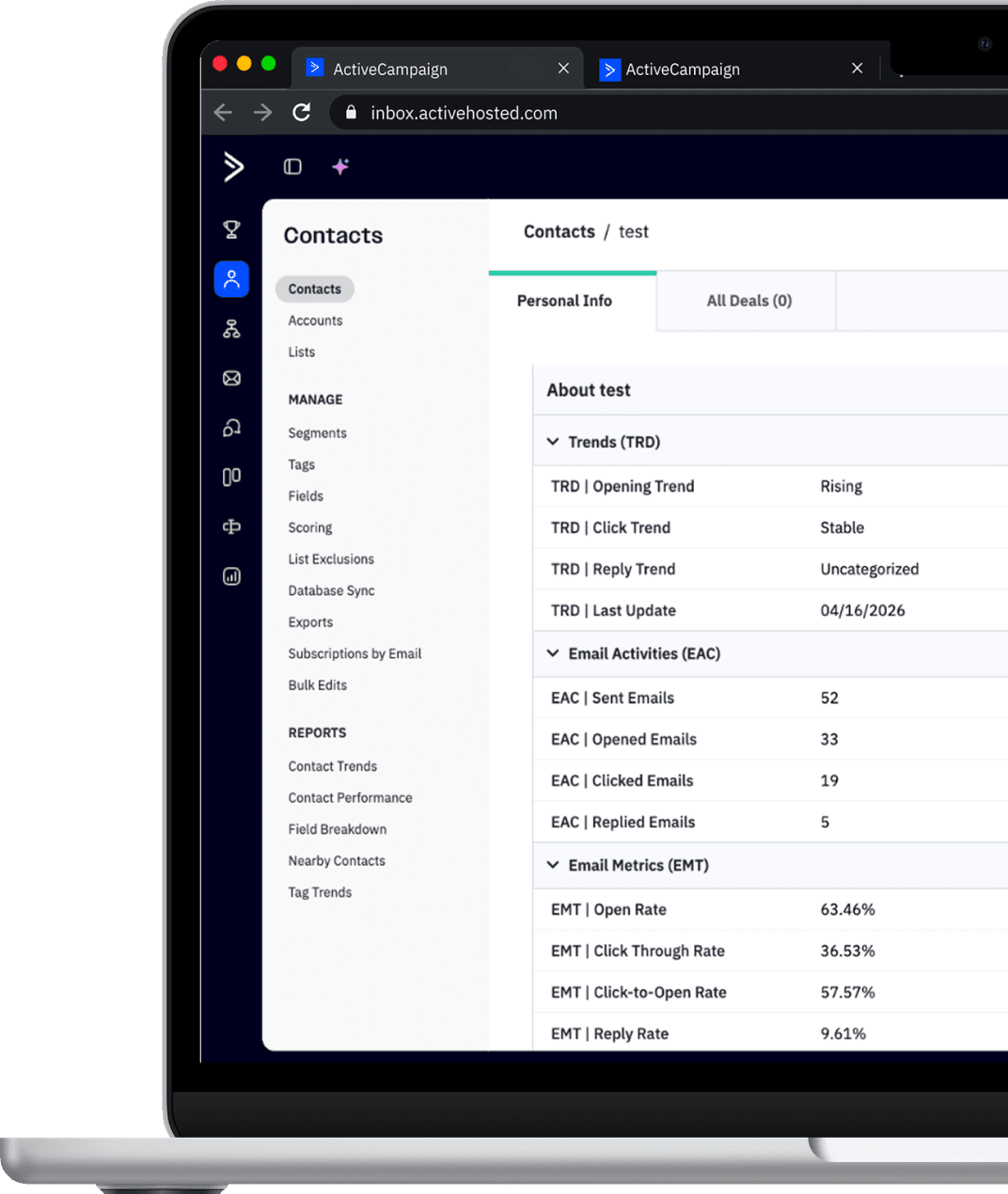
Email Intelligence reads each contact's behavior and writes, straight into your ActiveCampaign account, exactly where they sit between highly engaged and completely cold. This guide shows how that classification is built, from the macro profile to the exact index.
The matrix
One matrix, three reads
Every contact lands in a cell based on its open and click rates. That single cell gives you all three engagement reads at once: the profile (engaged or not), the level (six steps) and the index (the exact coordinate). Hover or tap to see them. Off the matrix sit contacts with no engagement and those not yet classified.
Click rate (%)
Hover or tap a cell to see all three reads.
Why use it
Recency is not engagement
Most people classify engaged contacts by who opened or clicked in the last 30, 60 or 90 days. But that is just the recency of the last activity, not the contact's actual engagement.
To measure engagement for real you need the history of opens and clicks over time. That is exactly what the matrix does.
Providers like Gmail, Outlook and Yahoo decide between inbox and spam by the same criterion: engagement history, not recency. So segmenting by history is the most precise way to send to the people who actually interact and keep your emails in the inbox.
Ready to see what your contacts aren't telling you?
Talk to our team and understand how to apply Email Intelligence in your account and cut your costs.